
An account per person
Local passwords, single sign-on with any OpenID Connect provider, or both. Each account has its own fuseraft home, so its sessions, chats, memory, schedule and model profiles are its own.

An account per person
Local passwords, single sign-on with any OpenID Connect provider, or both. Each account has its own fuseraft home, so its sessions, chats, memory, schedule and model profiles are its own.
Sessions and chats
Start multi-agent orchestration sessions and watch every turn and tool call stream in. Chat
with the same REPL engine as fuseraft repl, confined to a workspace.
Approvals in one place
Every command, file write and handoff your sessions, chats and daemon tasks wait on, with a diff for file writes and a badge count in the nav.
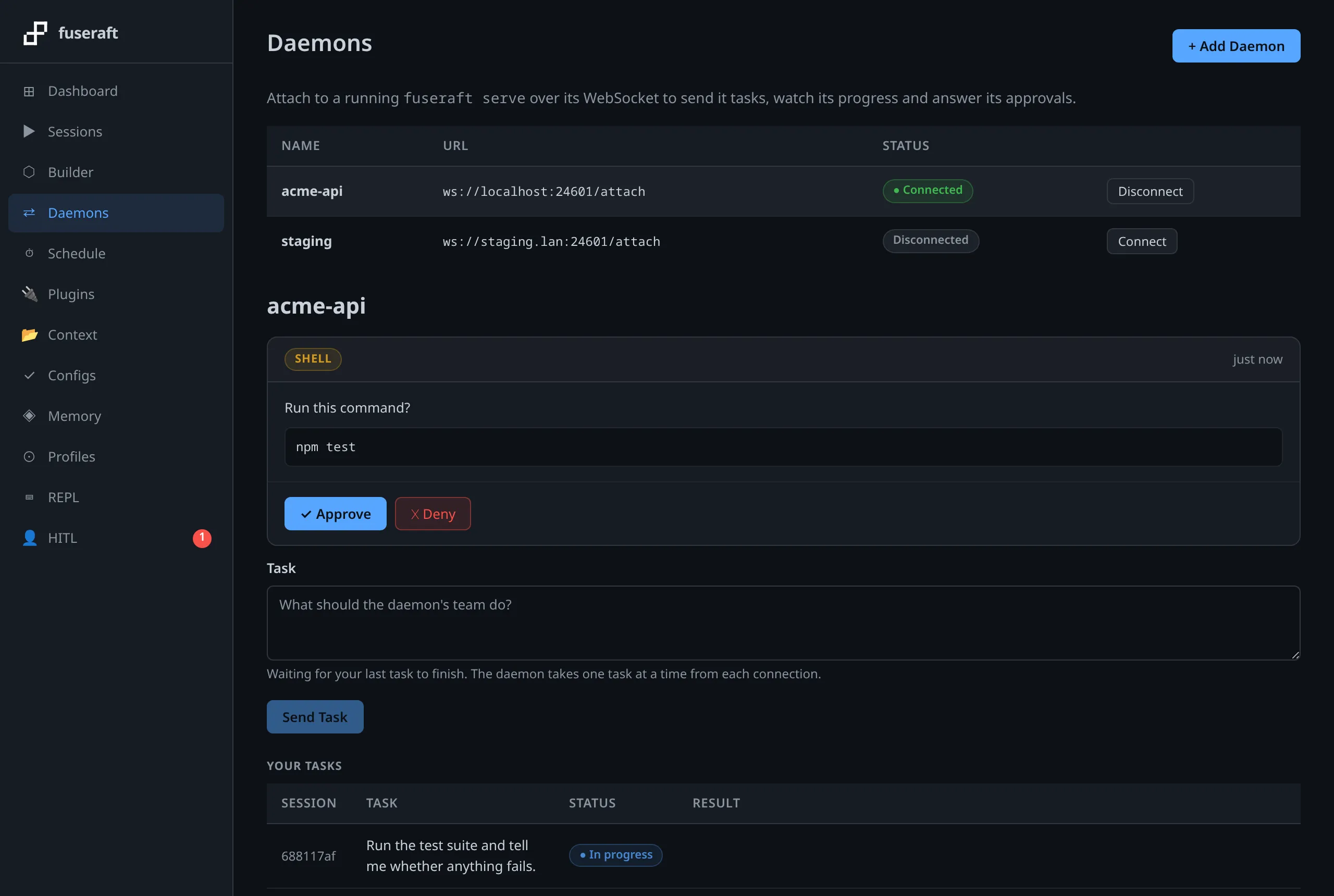
Daemons on other machines
Attach to fuseraft serve over TLS, send it tasks and answer their approvals. Admins choose
who may use each daemon, and a read-only token makes one watch-only.
Restarts don't end work
Sessions and chats run in relay processes that outlive the server. Restart or upgrade fuseraft-web and the next one picks everything back up, approvals included.
A wire protocol, not a library
fuseraft-web runs the fuseraft CLI and speaks its versioned wire protocol, so a fuseraft
upgrade can’t break its build, and a mismatched version is reported, not misread.